9 tools you need to start a faceless YouTube channel
Most people don’t get stuck starting a faceless channel because they lack motivation. They get stuck because the tool stack feels messy. If you’re trying to figure out the tools you need to start a faceless YouTube channel, the real goal is not collecting apps. It’s building a simple system that turns content into traffic, then traffic into captured leads, clicks, and long-term income.
That distinction matters. A faceless channel without structure is just anonymous content. A faceless channel with the right stack becomes a quiet traffic asset. For the kind of creator who wants privacy, consistency, and leverage without performing online, the tools should support a clear workflow rather than create more decision fatigue.
The tools you need to start a faceless YouTube channel
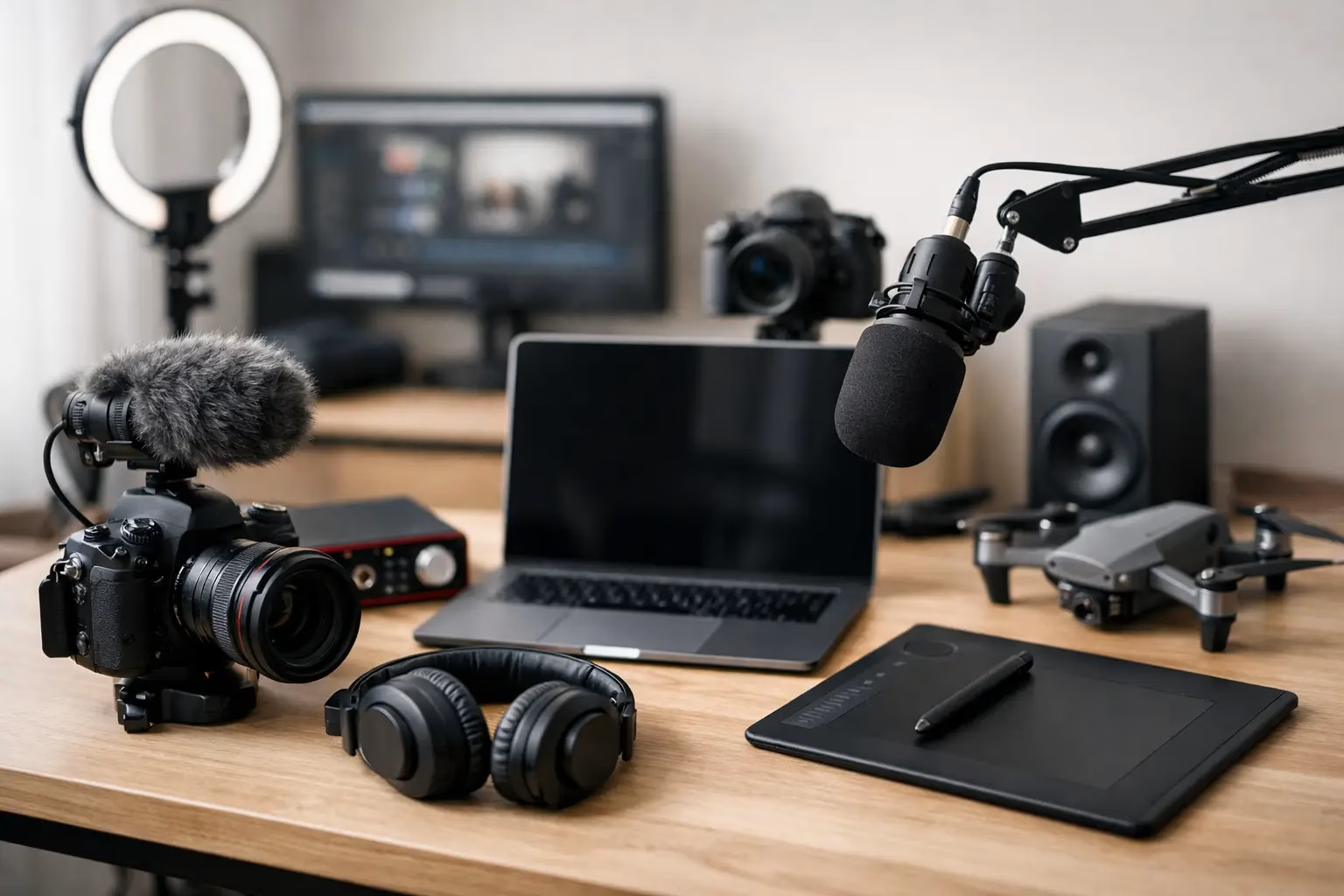
You do not need a bloated setup. You need a lean stack that covers five functions: planning, scripting, production, publishing, and monetisation. If one of those functions is missing, the channel may still grow, but it won’t compound well.
The easiest mistake is over-investing in editing tools while ignoring capture and funnel logic. Views are useful, but only if they connect somewhere. That’s why the best tool stack for a faceless channel is not just about making videos. It’s about creating a system where traffic has somewhere sensible to go.
1. A research and planning tool
Start with a tool that helps you define topics, track ideas, and map content to search intent. This can be as simple as Notion, Airtable, or even a structured spreadsheet if you prefer low complexity.
What matters is the logic. You want one place to store channel pillars, video ideas, working titles, keywords, CTAs, and monetisation angles. Without that, every video becomes a fresh decision. That’s where burnout starts.
For most faceless channels, Notion is a strong option because it handles databases, content calendars, and SOPs in one place. Airtable gives you more flexibility if you want stronger filtering and workflow views. A spreadsheet works if you’re early and want to keep costs down. The trade-off is simplicity versus depth. If you tend to overbuild, choose the simpler option.
2. A scriptwriting environment
Faceless content relies heavily on clarity. If your visuals are stock footage, screen recordings, or simple graphics, the script does more of the heavy lifting.
Google Docs works well because it’s fast, familiar, and easy to revise. Notion can also work if you want your planning and scripting in one system. If you use AI to help outline ideas, keep it practical. Use it to speed up rough structure, not to generate generic scripts you’d never actually say. Viewers can feel thin content quickly, even when they can’t explain why.
A good script tool should help you write around one clear viewer problem, one core promise, and one next step. That next step matters because content without a CTA is rarely efficient traffic.
3. A voiceover tool or recording setup
This is where a lot of creators overcomplicate things. You have two practical options. Record your own voice with a decent USB microphone, or use an AI voice tool if privacy or confidence is a major blocker.
If you’re comfortable recording, a clean USB mic is usually enough. You do not need a studio-grade setup. A quiet room, simple noise reduction, and steady delivery go a long way.
If you prefer AI voiceover, choose a tool that sounds natural and restrained. The aim is credibility, not performance. Avoid voices that sound too polished or theatrical. Faceless channels work best when the delivery feels clear and grounded.
There is a trade-off here. Your own voice often builds more trust over time, even if the channel is faceless. But if using AI voice is the difference between publishing and stalling, use the simpler option and improve later.
4. A video editing tool
You need an editor that matches your channel format. If you’re making talking-style explainer videos with B-roll, screen recordings, and captions, keep it straightforward.
CapCut is popular because it’s accessible and fast. DaVinci Resolve offers more control and stronger editing depth, but it comes with a steeper learning curve. For Mac users, Final Cut Pro may suit if speed is your priority and you’re already in that ecosystem.
The key is not choosing the most advanced editor. It’s choosing one you’ll still use after your fifth or tenth video. Fancy transitions do not fix weak scripting. In most cases, clean cuts, readable captions, and sensible pacing are enough.
5. A design tool for thumbnails and simple visuals
Thumbnail design matters because it affects click-through rate, but it does not need to become a full-time job. Canva is usually the cleanest choice for faceless creators because it’s easy to use, fast to iterate, and good enough for most channel styles.
You can also use it for simple diagrams, title cards, checklists, and visual aids inside the video. That’s helpful if your niche is educational or process-driven.
Keep your design system simple. Use consistent fonts, limited colours, and a recognisable layout style. That reduces production time and helps the channel feel structured rather than random.
6. A stock footage or screen recording tool
Many faceless channels need supporting visuals. Depending on your niche, that may be stock clips, screen captures, slides, workflow demos, or simple animations.
For software, website, or tutorial content, a screen recorder is often enough. Loom and other screen capture tools can work well for this. For broader educational content, stock footage libraries can fill visual gaps, but use them carefully. Generic footage used badly makes videos feel empty.
The better approach is to use visuals that directly support the script. Show the process, the interface, the workflow, or the framework. If the visual is just there to fill silence, it usually weakens the video.
7. A keyword and publishing tool
If your channel is part of a long-term traffic system, you need a way to assess search demand and optimise packaging. TubeBuddy and vidIQ are the common choices here. They can help with title testing, keyword direction, and basic channel insights.
Neither tool replaces judgment. They’re useful for signal, not certainty. A channel can still do well without them, particularly if you already understand your audience. But for newer creators, they reduce guesswork and help you define content opportunities more clearly.
This is especially useful if you want videos to work quietly over time rather than depend on trend spikes. Search-led content tends to compound better when the topic, title, and viewer intent are aligned.
The missing tools most creators ignore
The usual stack stops at editing and publishing. That’s fine if your only goal is ad revenue. But if you want a faceless channel to support affiliate income, digital products, or a broader online business, you need two more tools that sit below the video itself.
8. An email capture tool
A faceless YouTube channel should not send all value to YouTube and keep none of the audience relationship. An email platform gives you a way to capture interested viewers and continue the conversation off-platform.
This is where traffic starts turning into an actual asset. A simple landing page with a useful free resource is enough to begin. The offer should match the video topic closely. If the video is about channel systems, the freebie should deepen that, not distract from it.
This is also where the topic fits into the broader system. At Miss K Digital, the logic is simple: content brings in aligned traffic, a focused freebie captures intent, and the funnel carries that traffic towards ethical monetisation. The channel is not the business by itself. It’s one traffic layer inside the system.
9. A basic funnel or landing page tool
You need somewhere to send people. That could be a simple landing page builder, a lightweight funnel tool, or your website if it’s already set up to capture leads cleanly.
What matters most is alignment. The CTA in the video, the description link, the landing page message, and the follow-up offer should all connect. If your video teaches one thing and your landing page sells something unrelated, conversion drops fast.
This is where leverage comes from. One video can keep generating views, one landing page can keep capturing leads, and one follow-up sequence can keep doing the work without daily posting. That’s a much calmer model than chasing constant visibility.
How to choose the right stack without overbuilding
If you’re just starting, begin with one tool per function. One planning tool, one script tool, one voice method, one editor, one design tool, one capture tool. That is enough.
Do not build a twelve-app workflow before you’ve published three useful videos. Complexity feels productive, but it often delays feedback. A simple stack with consistent execution beats a polished stack you barely use.
If you want the full structure behind this, including how to connect YouTube traffic to lead capture and monetisation without relying on personal branding, the 3-Step Invisible Income System is the natural next step. It lays out the framework behind the tools so you’re not just publishing content, but building something that can stabilise and compound.
A faceless YouTube channel works best when it stops being a content experiment and starts becoming part of a defined system. That’s usually the point where the noise drops, and the channel finally begins to make sense.